Which half do you need?
If you were given an account here and want to start seeing signals, you want part two. Part one is done once, by whoever runs the server, and is already done on this one.
Part one — the owner, once
Creating the Kite Connect app
Kite Connect is the API side of Zerodha and is billed separately from a trading account.
The free plan is the wrong one
Zerodha offers two, and the split is unlucky for a tool like this one:
| Plan | Includes | This tool |
|---|---|---|
| Personal free |
orders, GTT, alerts, margins, portfolio | uses none of it — no order is ever placed |
| Connect ₹500 / month |
live streaming quotes and historical candles | uses only this |
So the free plan gives you everything this tool never touches, and the one thing it needs — price data — is the paid side. On the free plan the tool signs in perfectly and then shows no candles, which reads like a broken connection rather than a missing subscription.
Historical data used to be a second charge on top of that. It is bundled now, so one Connect subscription covers both the streaming and the candles.
Figures checked September 2026 against zerodha.com/products/api. They have moved twice in two years — ₹2,000 plus ₹2,000 for data, then ₹2,000 bundled, now ₹500 — so read them there rather than here.
Before you let anyone else connect
Kite Connect is issued for personal use, one Zerodha account, by default. Letting other people connect their own Zerodha accounts through your app is multi-user access, and Zerodha grants that on request rather than automatically — you write to kiteconnect@zerodha.com, and for anything offered to other clients they will talk to you about compliance and, depending on what you are running, a SEBI audit.
Running it for yourself needs none of that. Running it for a group is a conversation with Zerodha first rather than afterwards. It is their rule and a SEBI one, and it is not something this software can grant you.
Create an app
At developers.kite.trade/apps, create a new app of type Connect. The name is yours to choose.
Set the redirect URL, exactly
This is the only field that has to be right to the character:
https://nbs-signal-tool.tail7b2558.ts.net/kite/callback
Zerodha allows one redirect URL per app. It is where their login sends the browser back to, so if it does not match this server the connection fails at the last step with no useful message. Leave the postback URL empty — nothing here listens for one.
Copy the API key and secret into the server
They go in the server's environment as KITE_API_KEY and KITE_API_SECRET, and the server is restarted so it reads them. They belong to the app, not to any one person — every user connects their own Zerodha account through this same app.
The secret is what lets a request token be exchanged for a session. It stays on the server; it is never rendered into a page.
Part two — you, each trading day
Connecting your account
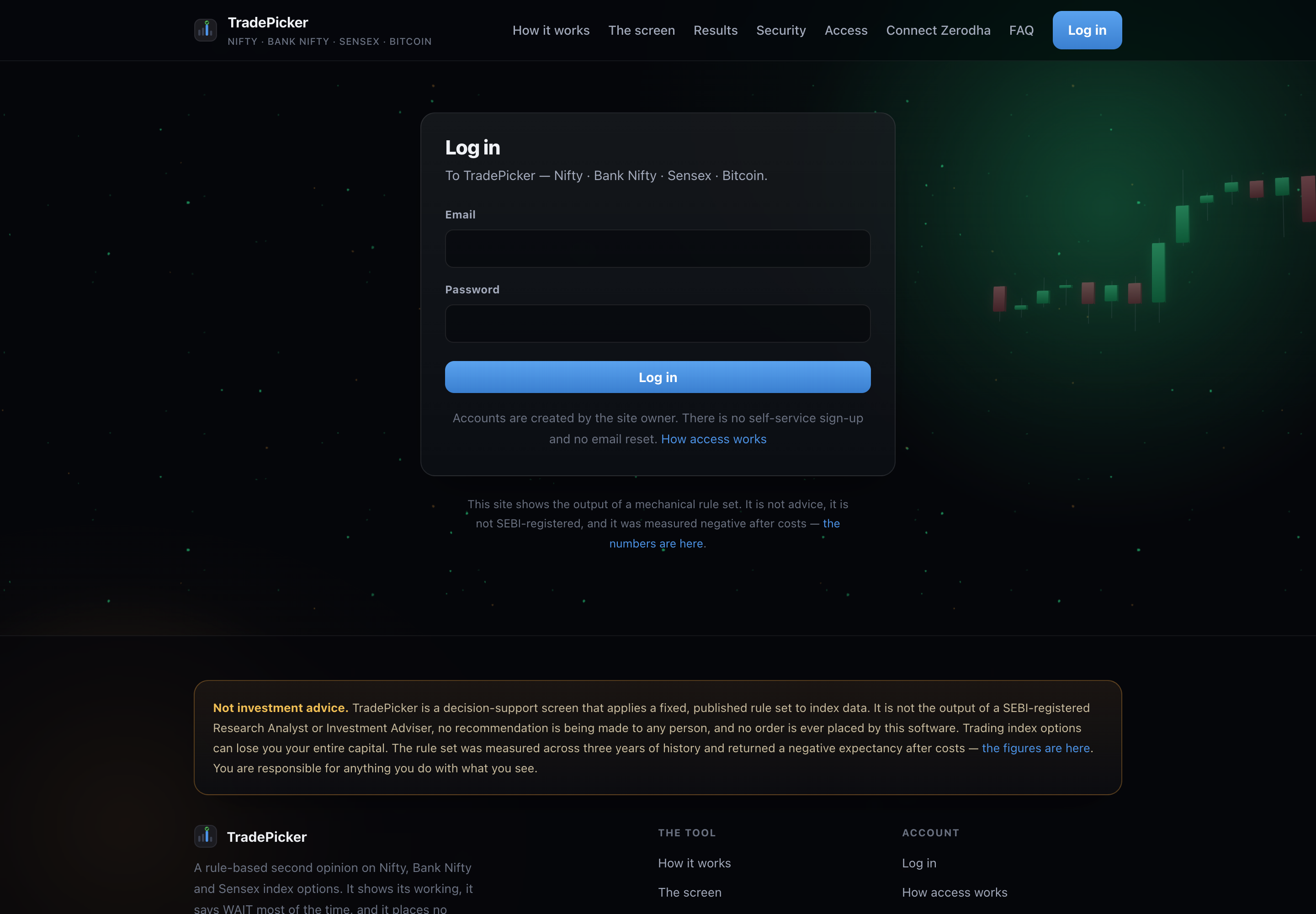
Log in here
With the email and password the owner gave you. There is no sign-up form and no email reset. How access works.
Press Connect Zerodha
In the header, or from the notice the tool shows when it has no token. It sends you to Zerodha's own login page.
Log in to Zerodha and approve
Your Zerodha password and 2FA are typed on Zerodha's page, not on this one. This site never sees them. Zerodha then sends your browser back to the redirect URL above with a one-time request token, which the server exchanges for a session using the app secret.
You land back here, connected
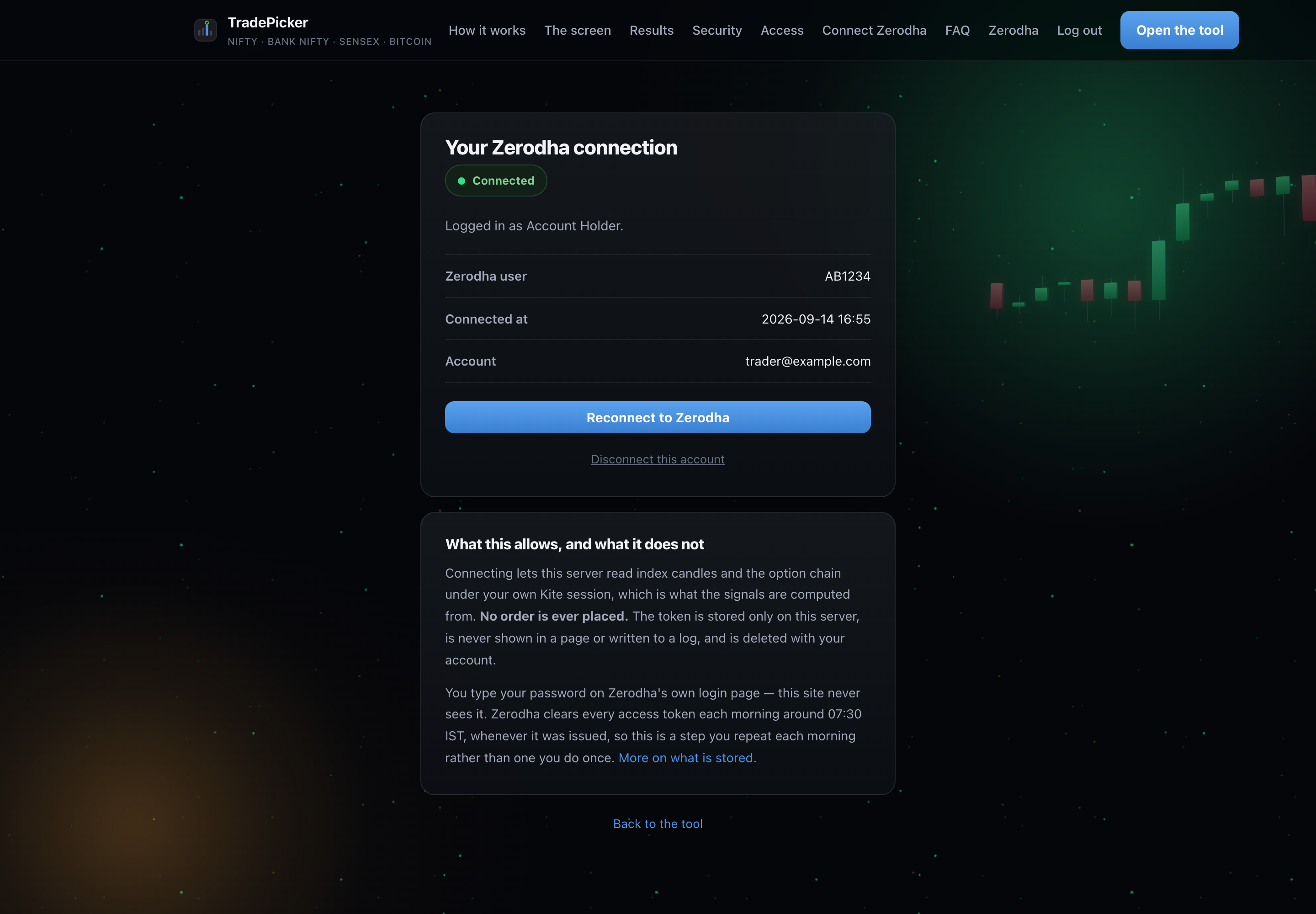
The connection page names the Zerodha user the session belongs to and when it was issued. From then on the candles and the option chain are read under your own Kite session.
Why this is a daily step
Zerodha clears every access token early each morning, between about 05:00 and 07:30 IST, whenever it was issued. That is their rule, not a choice made here, and no amount of uptime on this server avoids it: reconnecting needs your password and your second factor, which only you have.
So the honest shape of a trading day is: the server has been running all night, and you still press Connect Zerodha once before the open. Until you do, the tool loads and shows you nothing live — and if you have asked it to run all session, it deliberately does not start either, because a feed with no token is a loop logging failures.
What the connection allows
| It can | It cannot |
|---|---|
| read index candles | place an order |
| read the option chain | modify or cancel an order |
| stream live prices | move funds |
| read your Zerodha user id and name, to show you which account is connected | see your Zerodha password — you type it on Zerodha's page |
The token is stored on the server only, is never rendered into a page or written to a log, and is deleted with your account. You can disconnect at any time from the connection page, or revoke the app from Zerodha's side. What is stored, in full.
When it will not connect
| What you see | Usually |
|---|---|
| Zerodha returns you to a page that will not load | the redirect URL on the app does not match this server |
| “The site owner needs to set KITE_API_KEY” | the server has no app credentials yet — part one is not done |
| Connected yesterday, nothing today | the early-morning (about 05:00 to 07:30 IST) clear-out; press Connect Zerodha again |
| Connects, then says the feed is down | the Kite Connect subscription or the historical-data permission has lapsed |